Script for Day One JSON files
I’ve been journalling on Day One for years now, and I wanted to preserve and view my entries locally without having to use their app. As of today, the only formats I can use to export my journal entries are:
- Plain text (absolutely not)
- CSV (that’s even worse)
- PDF (good but limiting because I can’t watch my videos or listen to my audio recordings)
- A JSON file zipped with my media attachments
The idea of making a script for myself to create an HTML file from the JSON file came to me at midnight, and I thought, “why the hell not?”. I pulled out my laptop from my bag, sat on my bed with my sleeping husband beside me and started cracking on it.
I found a blog post by MLarson which included a Python script to convert JSON to PDF. That served as my jumping off point. I then spent the next four hours on this coding adrenaline high that I haven’t felt since my master’s. The only reason why I stopped that night was because I had a throbbing headache that I could no longer ignore.
I spent the following days working on my script. It’s a million times easier using AI to help code1. I remember the days of having to rummage through countless of Stack Overflow forums trying to figure out what went wrong or “how do I do insert task?”. It was also my first time coding on Visual Code Studio, so you can imagine my surprise when I saw that it would autosuggest lines of code for me. Why, thank you Copilot.
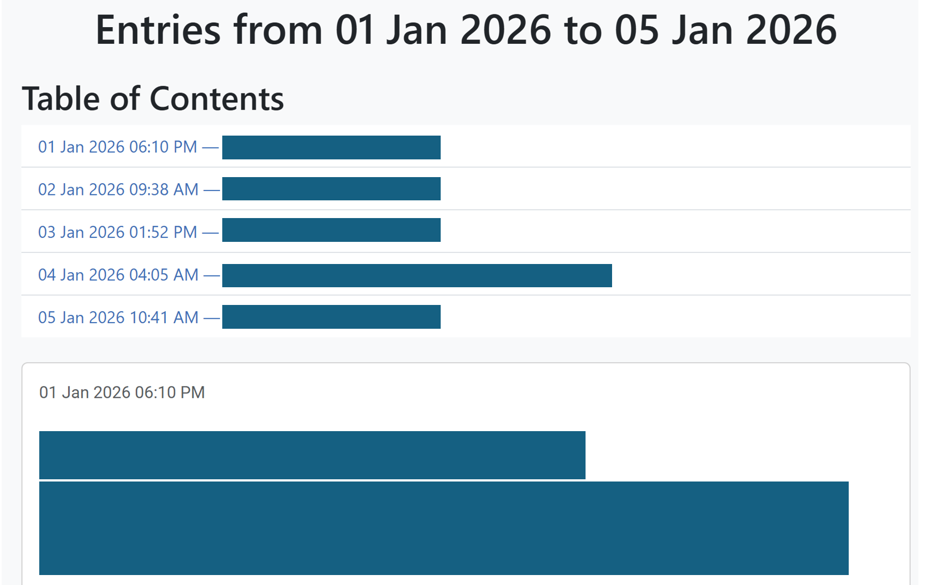
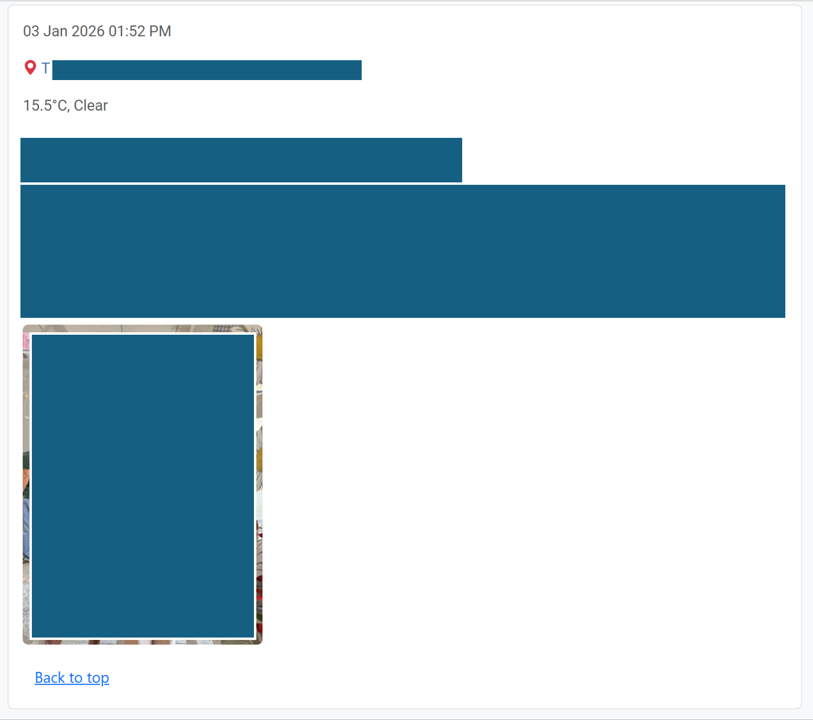
And voilà! Here are screenshots from the HTML output file viewed from a browser.
-
Rest assured, I did not use AI to write this blog post. I could never. ↩
Leave a comment